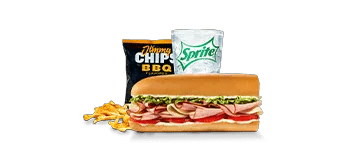
$8.99 Meal Deal (The Pepe®)
Combo details
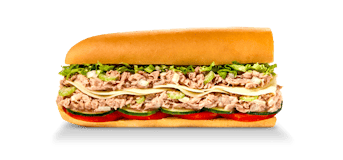
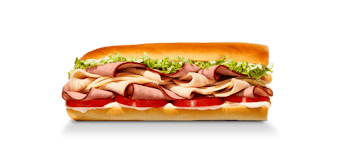
Combo: #1 The Pepe® (8"), Regular Jimmy Chips, and a zero-calorie drink.
- #1 The Pepe® (8")
- Regular Jimmy Chips®
- Zero-calorie default drink
Build your Jimmy John’s meal. See the calories, macros, and details before you order.
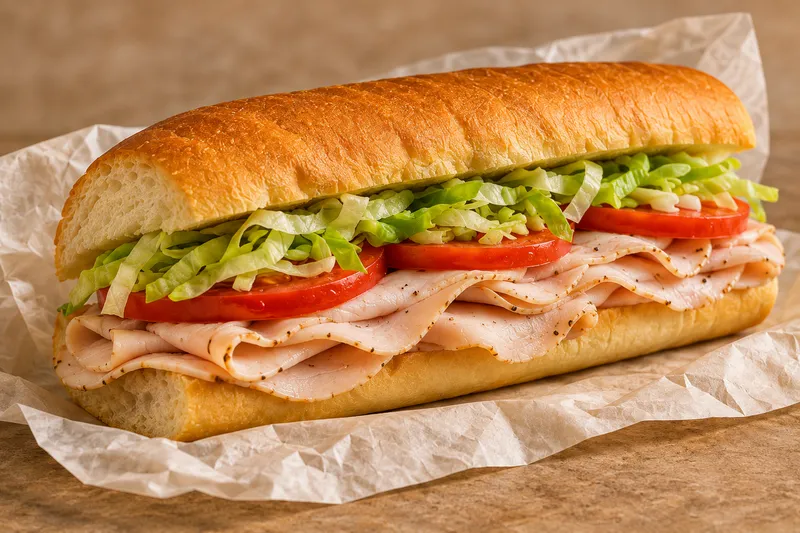
Add items and check the totals for your meal.
Combo: #1 The Pepe® (8"), Regular Jimmy Chips, and a zero-calorie drink.
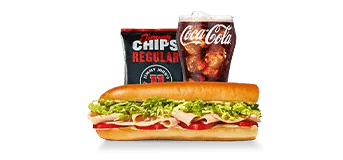
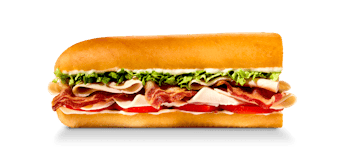
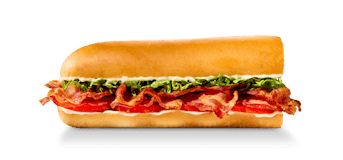
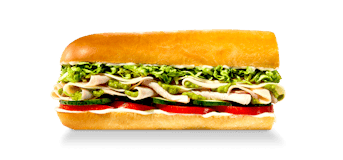
Combo: #4 Turkey Tom® (8"), Regular Jimmy Chips, and a zero-calorie drink.
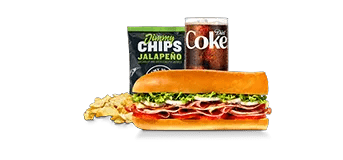
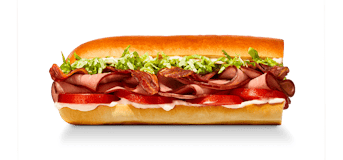
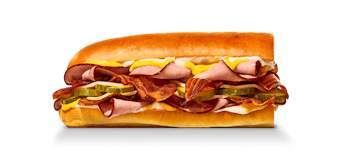
Combo: #5 Vito® (8"), Regular Jimmy Chips, and a zero-calorie drink.
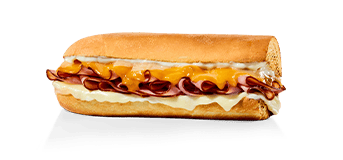
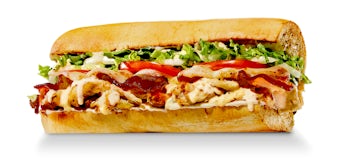
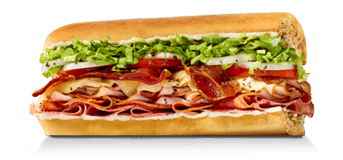
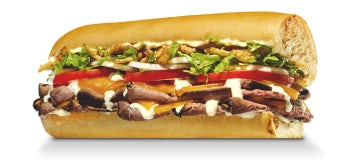
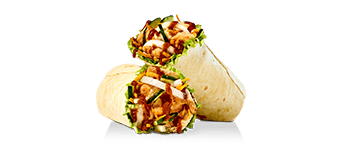
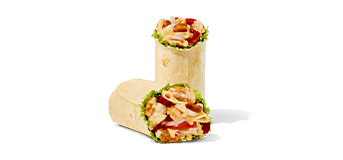
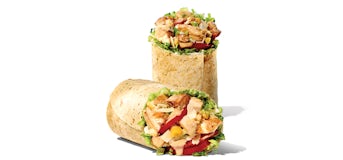
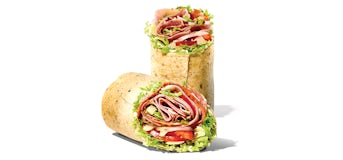
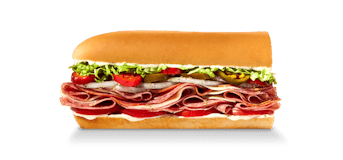
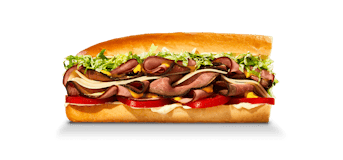
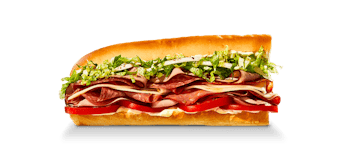
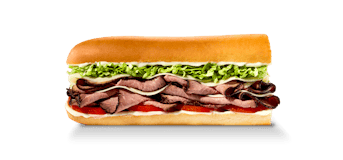
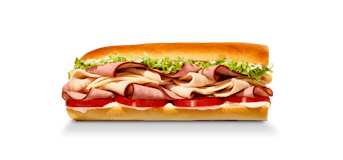
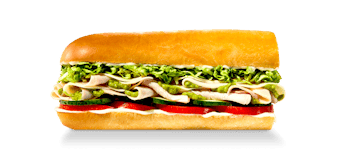
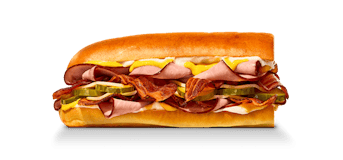
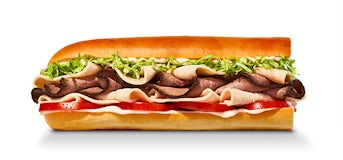
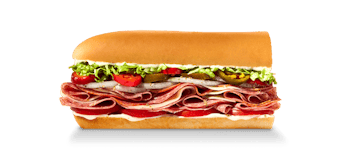
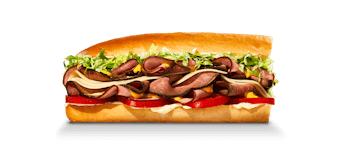
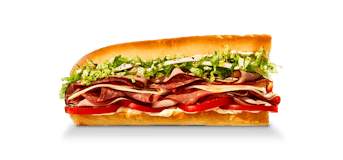
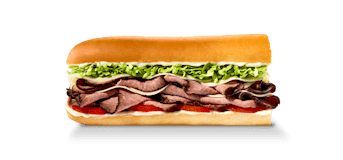
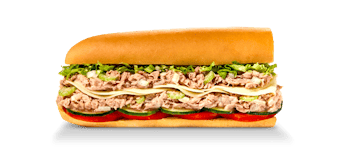
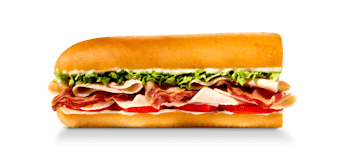
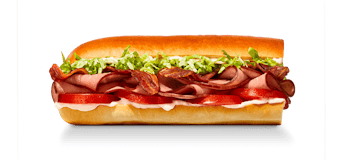
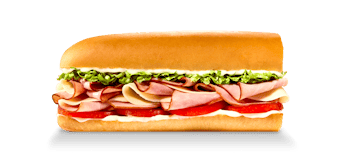
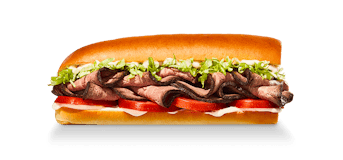
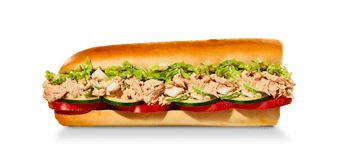
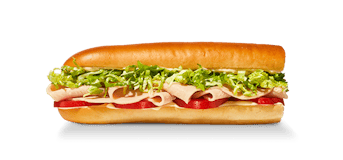
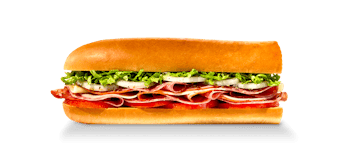
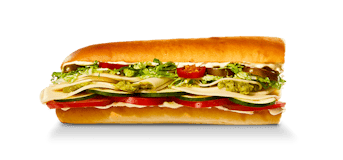
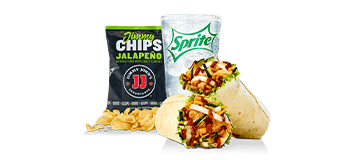
Combo: Thai Chicken Wrap, Regular Jimmy Chips, and a zero-calorie drink.
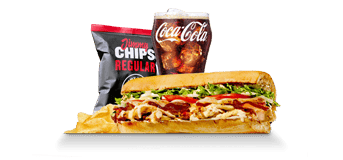
Example combo: Ultimate Italian (8"), Regular Jimmy Chips, and a zero-calorie drink.
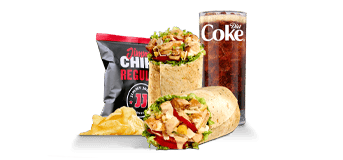
Example combo: Chicken Caesar Wrap, Regular Jimmy Chips, and a zero-calorie drink.
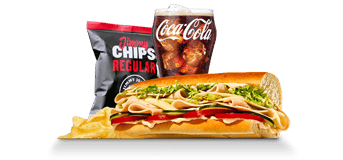
Example combo: #7 Spicy East Coast Italian (8"), Regular Jimmy Chips, and a zero-calorie drink.
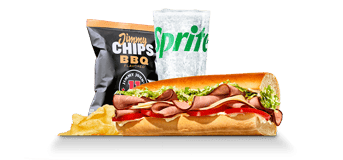
Example combo: #1 The Pepe® (8"), Regular Jimmy Chips, and a zero-calorie drink.
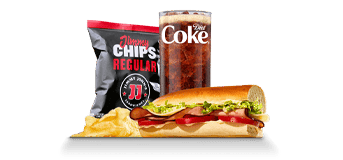
Example combo: #1 The Pepe® (Little John - 6.5"), Regular Jimmy Chips, and a zero-calorie drink.
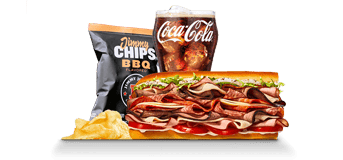
Combo: The J.J. Gargantuan® (8"), Regular Jimmy Chips, and a zero-calorie drink.
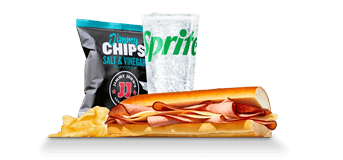
Example combo: Slim 1 - Ham & Provolone (8"), Regular Jimmy Chips, and a zero-calorie drink.
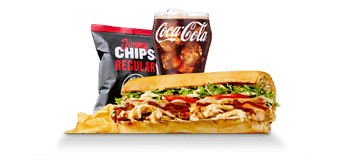
Example combo: Ultimate Italian (16"), Regular Jimmy Chips, and a zero-calorie drink.
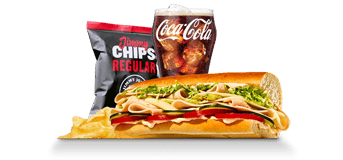
Example combo: #7 Spicy East Coast Italian (16"), Regular Jimmy Chips, and a zero-calorie drink.
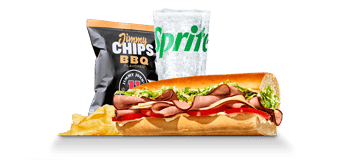
Example combo: #1 The Pepe® (16"), Regular Jimmy Chips, and a zero-calorie drink.
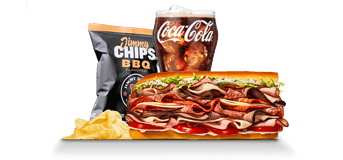
Combo: The J.J. Gargantuan® (16"), Regular Jimmy Chips, and a zero-calorie drink.
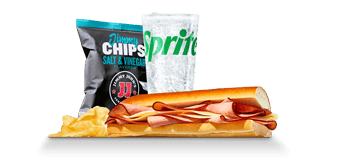
Example combo: Slim 1 - Ham & Provolone (16"), Regular Jimmy Chips, and a zero-calorie drink.
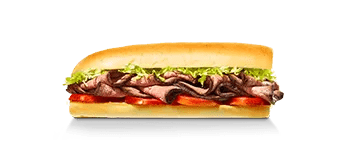
Only calories are listed for this item.
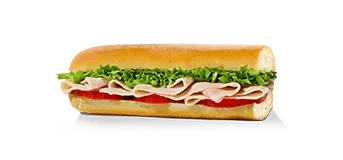
Only calories are listed for this item.
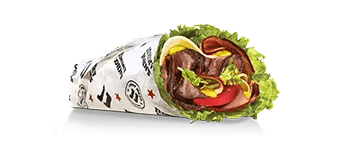
Only calories are listed for this item.
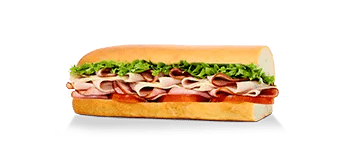
Only calories are listed for this item.
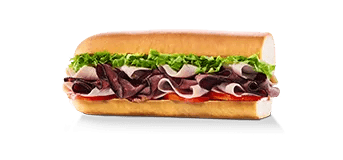
Only calories are listed for this item.
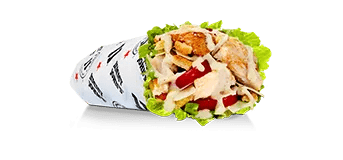
Only calories are listed for this item.
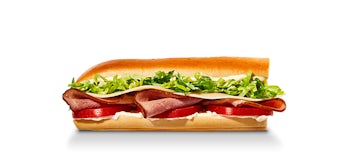
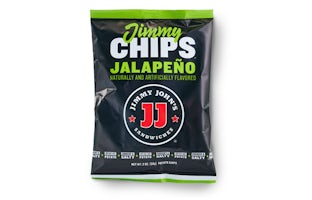
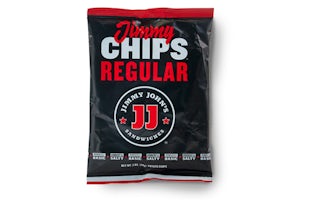
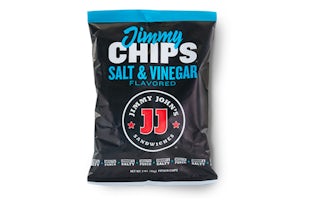
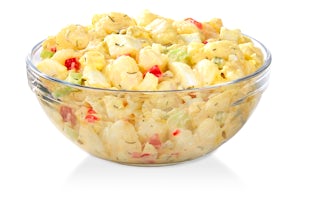
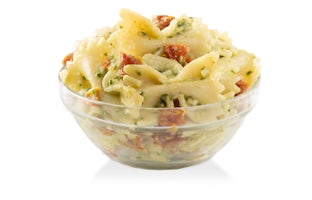
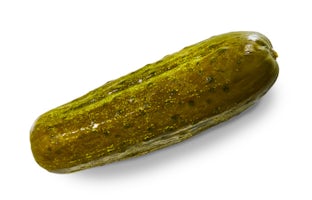
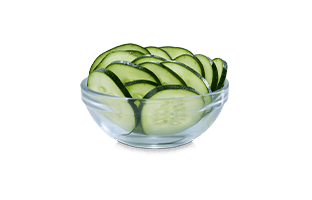
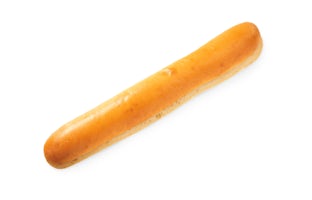
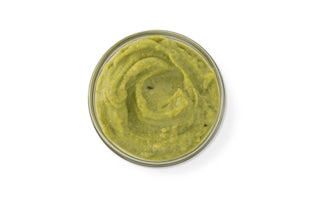
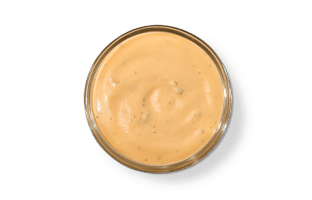
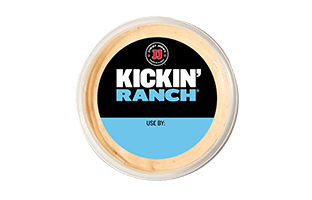
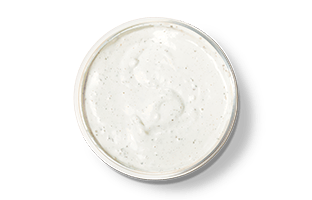

Only calories are listed for this item.

Only calories are listed for this item.

Only calories are listed for this item.

Only calories are listed for this item.
Only calories are listed for this item.
No menu items match. Try another search or category.
Menu: June 18, 2026. Nutritionix: June 15, 2026. Values are for the listed servings.
Search by name or pick a category. Check the size before adding.
Include sides, drinks or dessert, then adjust the quantities.
Open Full nutrition for the remaining fields. Copy summary saves the item list and numbers to your clipboard.
An 8-inch sandwich and a 16-inch sandwich have separate entries. Choose the size you want; increasing the quantity adds another of the same serving.
See servings and nutritionSeveral sandwiches have separate 8-inch and 16-inch entries. Read the serving below the name before pressing Add. Quantity two means two of that entry; it does not switch to another size. A Little John, a wrap and a side also have their own listed portions.
To compare sizes, build the first meal and copy its summary. Remove that sandwich, add the other size, and leave the same sides in place. You can then see what changed without counting both sandwiches in one meal. The larger serving uses its own nutrition figures, so the calculator does not assume it is exactly twice the smaller one.
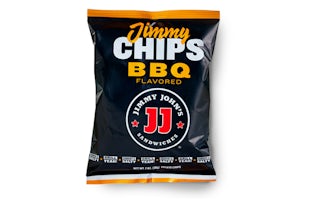
One 8-inch #1 The Pepe and one bag of Regular Jimmy Chips total 891 calories and 33g protein in this data. Those figures come from adding the two selected servings. A second bag adds another bag’s nutrition, while increasing the sandwich quantity adds another whole sandwich.
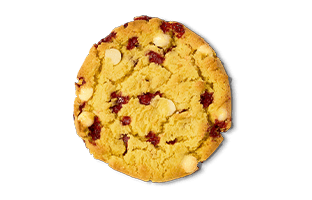
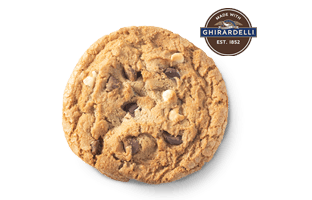
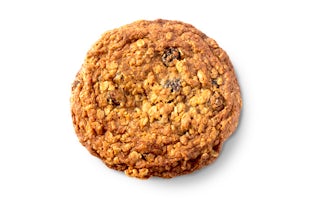
Check Your meal after browsing several categories. Filtering the menu does not remove an earlier selection. If you looked at a cookie before choosing chips, that cookie can still be in the meal even though it no longer appears in the filtered list. Remove anything you no longer want before copying the total.
A combo is counted as one complete entry. The definitions here include a main item, Regular Jimmy Chips and a drink with zero calories. Some name a particular main; others use an example main to represent that combo category. Combo details lists the components next to the Add button.
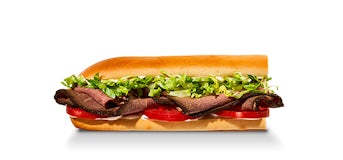
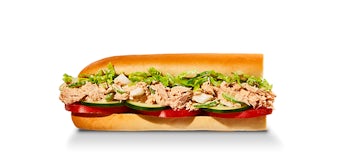
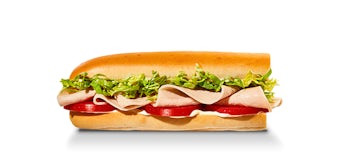
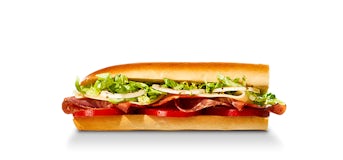
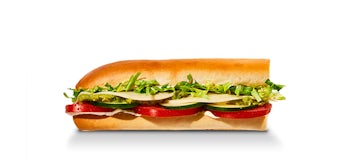
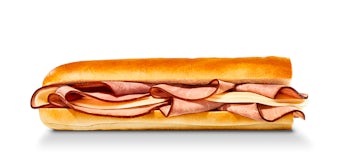
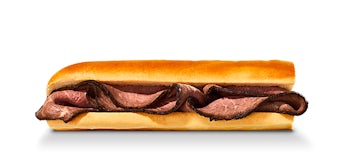
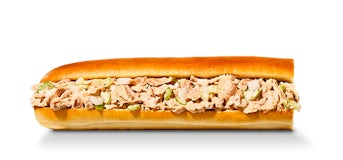
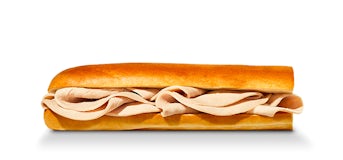
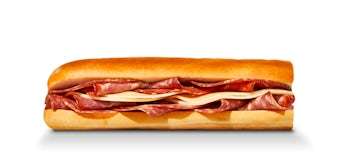
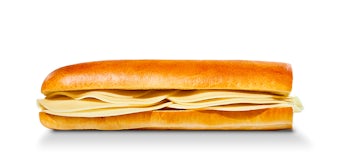
If you add a combo and then add its sandwich and chips separately, all three entries count. To try a different main, side or drink, start with the individual items instead of the default combo. Adding a different drink does not automatically replace the drink already included in a combo. The pictures are useful for finding a product, but the written component list tells you what the estimate includes.
Eleven entries have calories without a full nutrition breakdown. The calculator can still add their calories. It cannot complete protein, carbs, fat or another missing field for the whole meal, so those totals say Not available.
Diet Coke is an example: the data lists zero calories but does not supply its macro figures. Adding it to a sandwich leaves the calorie total unchanged, while the incomplete macro totals become unavailable. Removing it restores the figures for the remaining items. This reflects a gap in the information; it does not establish how much of a nutrient the drink actually contains.
A menu card can put several sizes or builds into one calorie range. The calculator needs a single serving with a number it can add. A range on the menu page and a value in Your meal may therefore describe different options.
Build this meal opens a preview before adding anything. Check the size and calorie value there. Some links use the nearest available nutrition match, which is explained in the preview. If that serving does not describe the item you want to compare, search the calculator for another listed option. Do not turn the midpoint of a menu range into a serving estimate.
Calories, protein, carbs and fat stay visible in Your meal. Full nutrition also shows saturated fat, trans fat, cholesterol, sodium, fiber and sugar. Sodium and cholesterol use milligrams; the other non-calorie fields use grams. The nutrition page lets you inspect those figures for individual items.
The calculator uses the calorie value supplied for each item. It does not reconstruct calories from the macro totals. It also does not subtract mayo, add extra meat or recalculate a bread change: the data contains finished items and portions, not the amount of every ingredient in each recipe. Use the restaurant’s own tools for a custom order that is not listed here.
Copy summary includes item names, quantities and the available nutrition totals. Paste it into a note if you want to compare another meal. When a browser blocks clipboard access, the same text appears in a box so you can select and copy it yourself.
Reset clears the whole meal, and reloading the page also starts over. On a phone, View meal in the bottom bar takes you to the full summary. The calorie number in that bar is the same total shown beside your selections.
The menu data was captured on June 18, 2026, and the Nutritionix data was generated on June 15, 2026. Product availability, recipes and promotional offers may have changed since then. Follow the references on the nutrition page if you need current restaurant information.
This site does not have a complete allergen list or preparation details for every item. Ask the restaurant about ingredients and cross-contact, and use qualified guidance for personal medical or dietary needs. The calculator is an independent planning tool; it cannot place an order or confirm what a particular store will serve.
Not in this calculator. It has nutrition for the listed items and servings, rather than every ingredient and portion. Use an existing size or item where available; check the restaurant’s own ordering tool for a custom sandwich.
Some drinks have a calorie value but no protein, carb or fat figures in the data. Once one is added, those totals cannot be completed for the whole meal. Remove it to see the totals for the remaining items.
No. Search and categories only change the menu you are browsing. Your selections stay in Your meal until you remove them or choose Reset.
Copy summary puts the selected items and totals on your clipboard. If the browser blocks copying, you can select the text manually. Reloading the page clears the current meal.
No. This is an independent calculator. Orders, rewards and restaurant support are handled by Jimmy John’s through its own website, app and stores.